
How to Play Music on Zoom
Optimizing Zoom to Play Background Music during Virtual Events
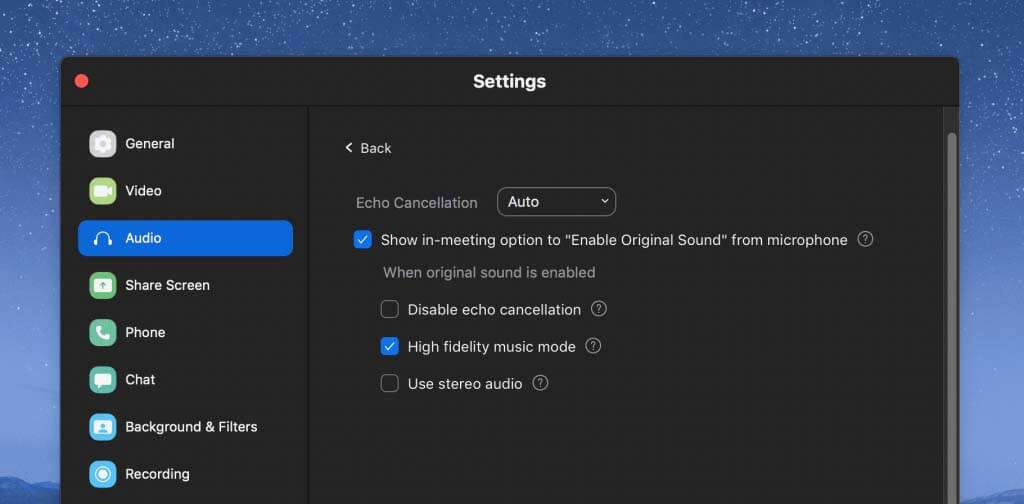
You’re ready to start a fun social gathering on Zoom, but need some mood music to up the ante and boost energy! Whether you are hosting a virtual paint and sip or other group event, you can follow these instructions to optimize Zoom for playing background music.
1. On Zoom, go to the bottom bar and click the big green ‘Share Screen’ button.

2. This will open up computer sharing options. Click the ‘Advanced’ tab at the top middle.

3. Select ‘Computer Audio’ and click Share (blue button) at the bottom left corner.
4. Pull up your Spotify playlist. We recommend this Jazz for Autumn playlist on Spotify for classy and easygoing tunes! You can also pick something more festive if it’s the holidays.
5. Turn the sound on your computer down a little, so that people can hear you speak over the music!
Ready to get creative?
Our packages are entirely customizable to suit your needs. Get in touch with us to start planning your party today.